How to Use the Free AR Drawing Tool
4 simple steps — takes less than a minute to set up
Choose a coloring page
Browse our 500+ free coloring pages and open any one you like.
Tap AR Drawing Mode
Hit the purple AR button. Allow camera access when asked.
Point at white paper
Hold your phone over a blank sheet. The coloring page appears on top!
Trace and color!
Use a pencil to trace the lines. Adjust opacity with the slider.
Why Kids Love AR Tracing — No App Required
Perfect for all ages — from toddlers to tweens
Build confidence
Kids who struggle with drawing can trace shapes and feel proud of the result.
Learn to draw
Tracing is a classic technique used by professional artists and art teachers.
No app needed
Works right in your mobile browser — Safari or Chrome. Nothing to install.
500+ pages
Animals, holidays, superheroes, princesses — endless variety for every child.
Completely free
Every single coloring page on our site has AR Drawing Mode built in.
Ages 3 and up
Parents hold the phone, kids trace. Great for toddlers through tweens.
Try Free AR Drawing With These Coloring Pages
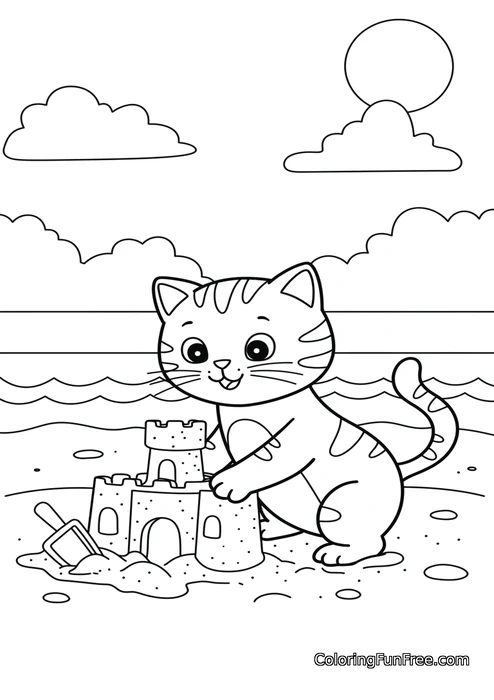
All 500+ coloring pages have AR Drawing Mode built in — tap any page to try





Free Browser-Based AR Drawing Tool — No App Download Needed
Our free AR drawing tool lets kids trace any coloring page using their phone or tablet camera — no app download required. Simply open a coloring page, tap the AR button, point your camera at a white sheet of paper, and the image appears projected on top. Kids can then trace the lines with a pencil or crayon.
Unlike other AR drawing apps that require downloads and subscriptions, our tool works directly in your mobile browser — Safari on iPhone (iOS 11+) or Chrome on Android. No account, no signup, completely free.
The AR tracing feature is built into all 500+ coloring pages on our site — including animals, holidays, unicorns, superheroes, and more. Perfect for kids aged 3 and up, homeschooling parents, and classroom teachers looking for a free AR coloring tool for kids.
Frequently Asked Questions About AR Drawing
Everything you need to know about AR Drawing Mode
Do I need to download an app?
No! AR Drawing Mode works directly in your mobile browser — Safari on iPhone or Chrome on Android. No app needed.
Which phones does it work on?
Any modern smartphone — iPhone (iOS 11+), Android with Chrome, and tablets. It uses your browser's built-in camera API.
Is it free?
Yes, completely free. All 500+ coloring pages have AR Drawing Mode — just tap the button.
How do I make the lines easier to see?
Use the opacity slider in AR mode. For best results, use a bright room and a white sheet of paper.
Can my toddler use it?
Absolutely! Parents hold the phone while kids trace — great for ages 3 and up.
Does it work on desktop?
Yes, with a webcam, but it's best on mobile since you can hold the phone over paper much more easily.
Ready to Try Free AR Drawing?
Pick any coloring page, tap the AR button, and start tracing. Free, no app needed, no account required.